SmartThings TV Plugin
Led the TV plugin component migration from native Android and iOS to WebView using a shared UI library.
Context
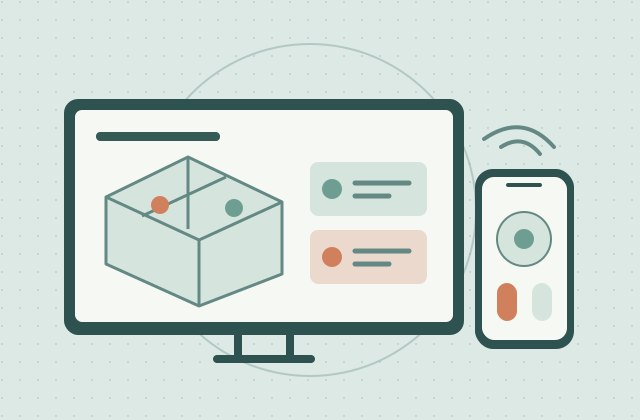
The SmartThings TV plugin brings TV controls into the connected-home experience. Its components were built separately for Android and iOS, creating an opportunity to unify the interface through WebView. The broader SmartThings experience on Samsung TVs includes the product features below, depending on the model and connected devices.
Contribution
Led the migration of TV plugin components from native Android and iOS to WebView using the shared SmartThings UI component library.
Approach
Applied reusable components and shared design patterns to bring the TV plugin interfaces into a common implementation across mobile platforms.
Highlights
- Led the TV plugin component migration to WebView
- Used the shared SmartThings UI library across Android and iOS
- Brought TV plugin interfaces into a consistent design system
Product features
- Smart home hub: compatible Samsung TVs connect and control supported devices through Matter and HCA integrations.
- 3D Map View: a digital home map helps users monitor and control connected devices by room.
- Real-time security notifications: camera and video doorbell pop-ups on the TV, with two-way communication on supported setups.
- Smartphone as remote: change channels, adjust volume, and launch TV apps from a phone.
- AI Energy Mode: optimize power use and screen brightness based on ambient light.
- Connected experiences: Pet Care sound detection, Workout Tracker with Galaxy Watch, and instant media sharing from Galaxy devices.
Outcome
A shared WebView implementation that improved UI consistency, component reuse, and cross-platform development efficiency for the TV plugin.