Password Manager
A private password vault with browser-side encryption, two-factor sign-in, recovery options, and passkey unlock.
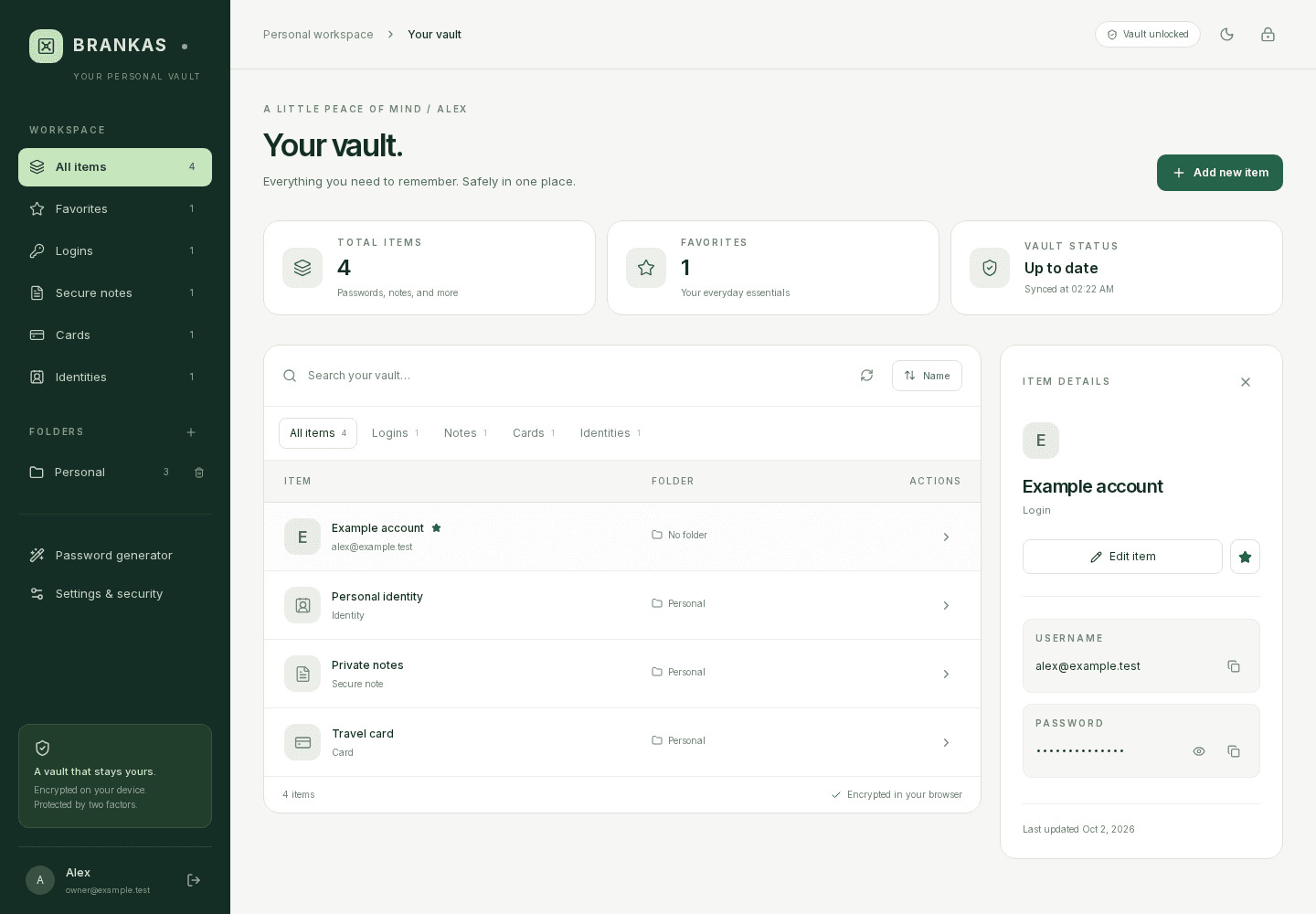
A private home for everyday credentials.
A single-owner password vault for keeping logins, secure notes, cards, and identities together behind a master passphrase and a second factor.
Protect the vault and its recovery path.
Moved from Vaultwarden to a Next.js app backed by MongoDB. The browser encrypts vault content before it is saved; Google Authenticator, recovery keys, and backup codes cover account access and recovery. WebAuthn PRF passkeys can wrap the vault key for device-based unlock, and the installable app keeps vault records out of its offline cache. This is a custom vault implementation, not an independently audited password manager.
- Single-owner setup with Google Authenticator enrollment and two-factor sign-in.
- Browser-side encryption for vault entries and folder names.
- Passkeys with device-based unlock, while retaining the authenticator requirement for sign-in.
- Recovery key, single-use backup codes, and credential rotation.
- Search, favorites, folders, item editors, and a configurable password generator.
- Encrypted backups and imports from BRANKAS or supported readable Bitwarden exports.
- Installable PWA with automatic locking, light and dark themes, and a public-only offline fallback.
Inside Password Manager.
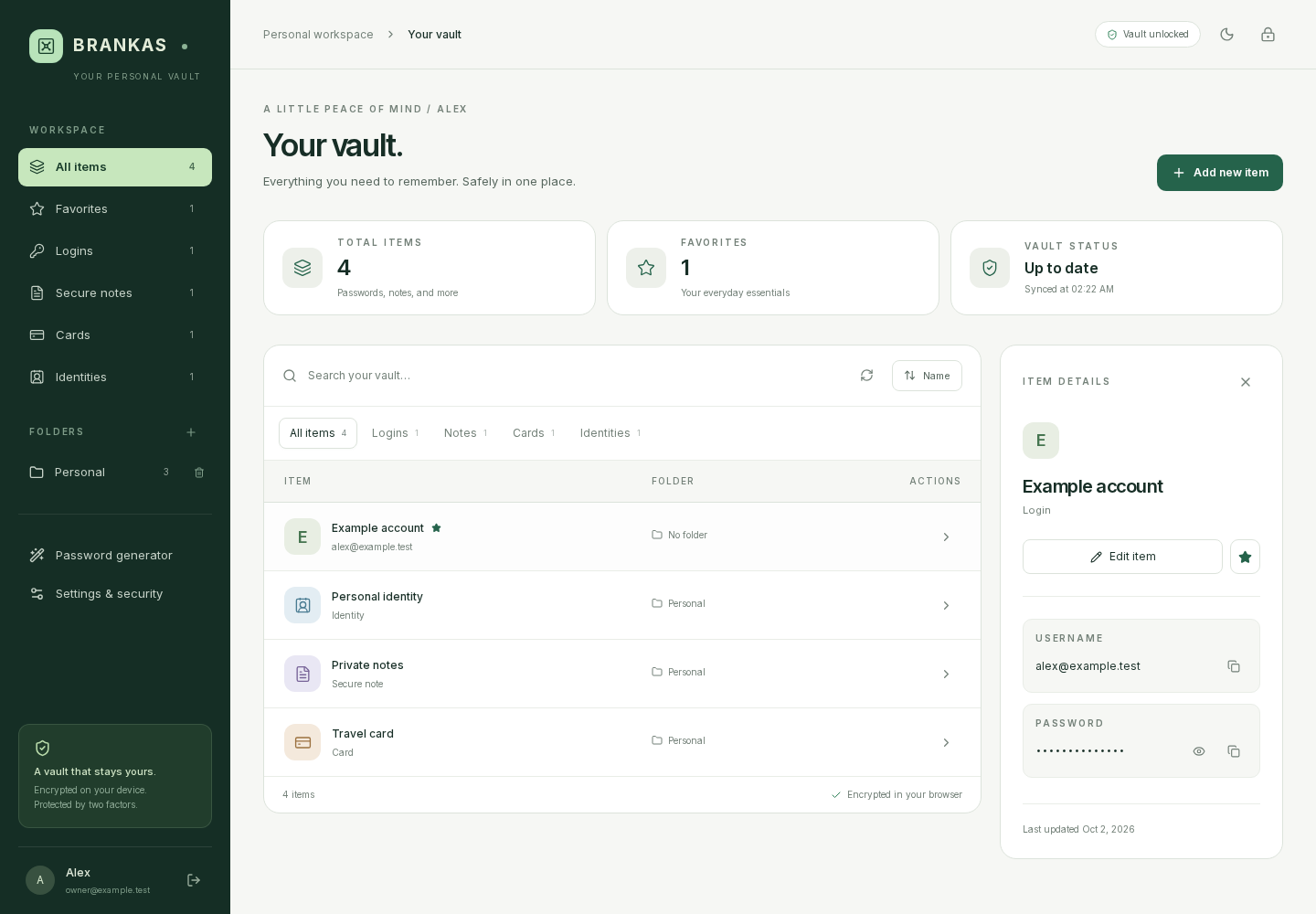
Password Manager overview
Desktop vault interface with synthetic test records.
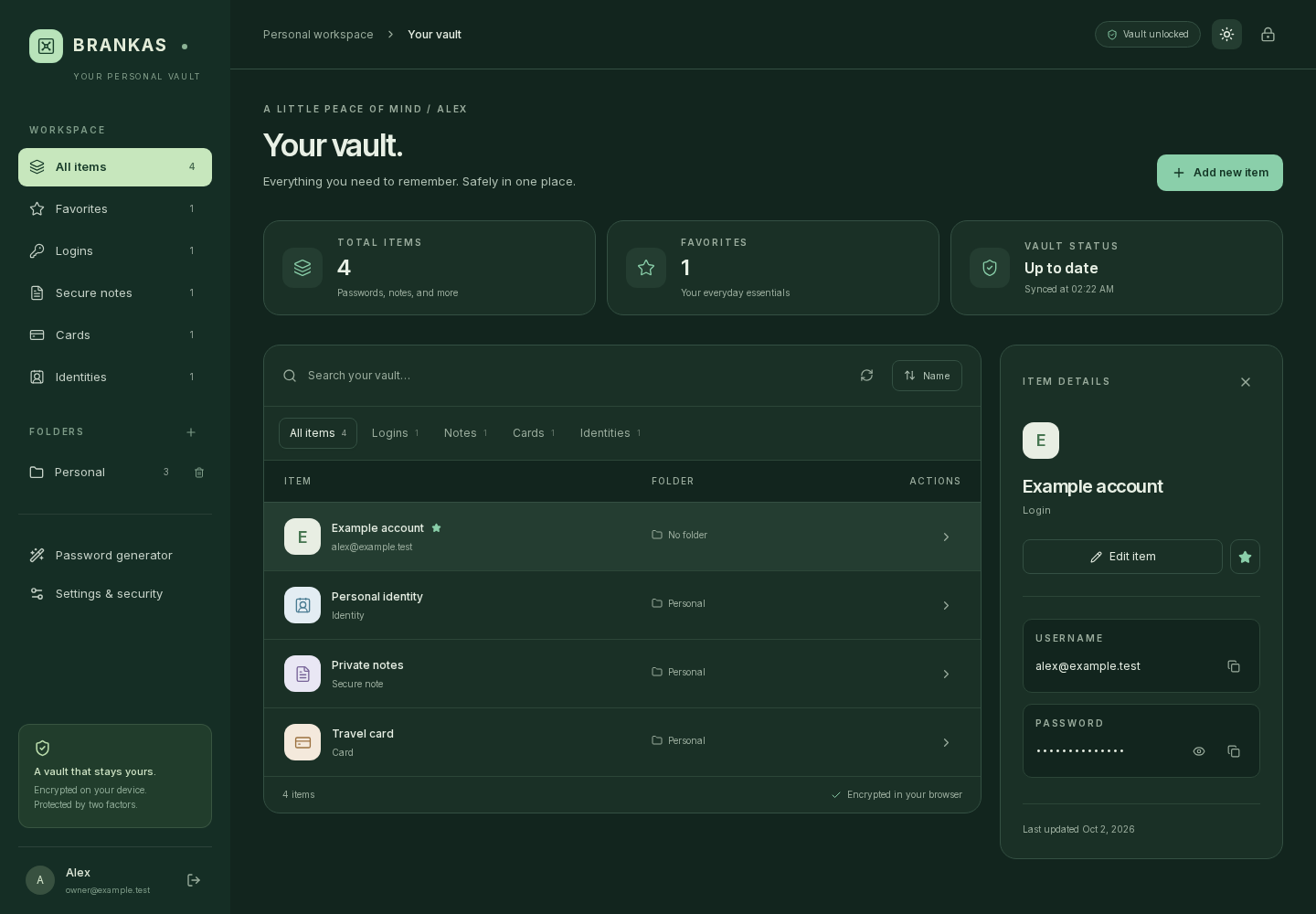
The vault in dark mode
The same synthetic vault records in the dark theme.
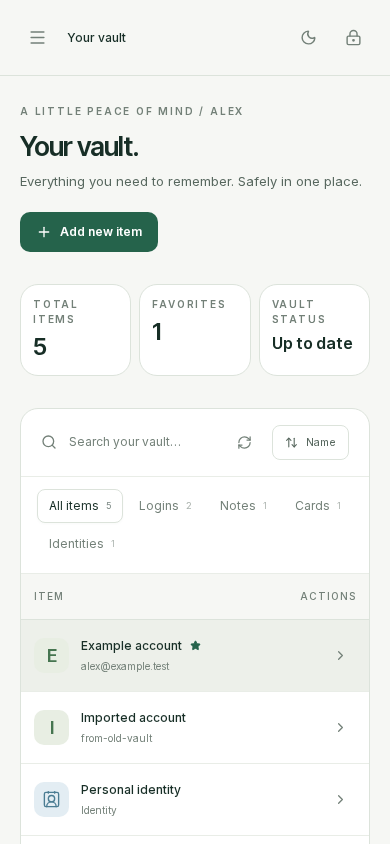
A vault on a phone
The vault list and summary cards arranged for a phone, with synthetic test records.

Sign in securely
The sign-in screen introduces the private vault and its browser-side encryption.